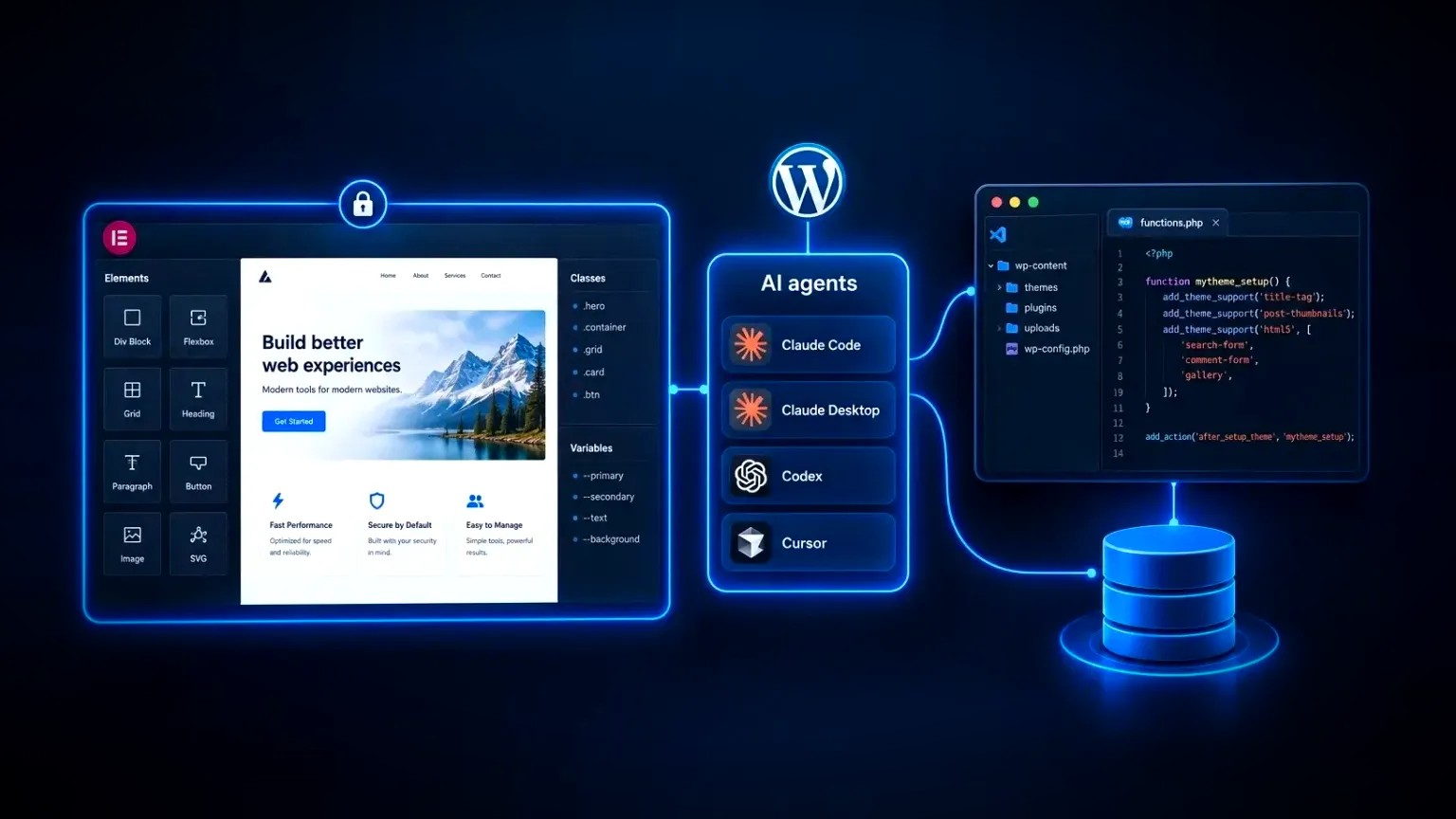
Elementor MCP is the official way to let an AI agent such as Claude Code, Claude Desktop, Codex or Cursor build inside an Elementor website, and it shipped with Elementor 4.3 on 22 September 2026. Novamira does a different job: it hands the same AI agent the whole WordPress installation, PHP execution included. Both are useful, but they do not carry the same risk or the same cost.
Elementor MCP, built into Elementor 4.3, lets AI tools build and edit native Elementor pages through a defined set of abilities. Novamira gives an AI agent full administrator access to WordPress on staging sites: its free core covers PHP, files and the database, while Elementor work needs Novamira Pro.
- Elementor MCP: scoped to Elementor itself, and included with it at no extra cost. Pages, theme parts, Classes, Variables and Components, all built as native, editable structure.
- Novamira: scoped to nothing. Whatever PHP can do on the server, the agent can do. Its Elementor abilities are part of the paid Pro version.
- The rule of thumb: the wider the access, the further from the live site the work belongs.
What is Elementor MCP?
Elementor MCP is the official connection between an Elementor website and external AI tools, included with Elementor from version 4.3.0 at no extra cost. Through it, tools such as Claude Code, Claude Desktop, Codex or Cursor can create and edit real Elementor pages, templates and design-system settings, rather than producing code for someone to paste in.
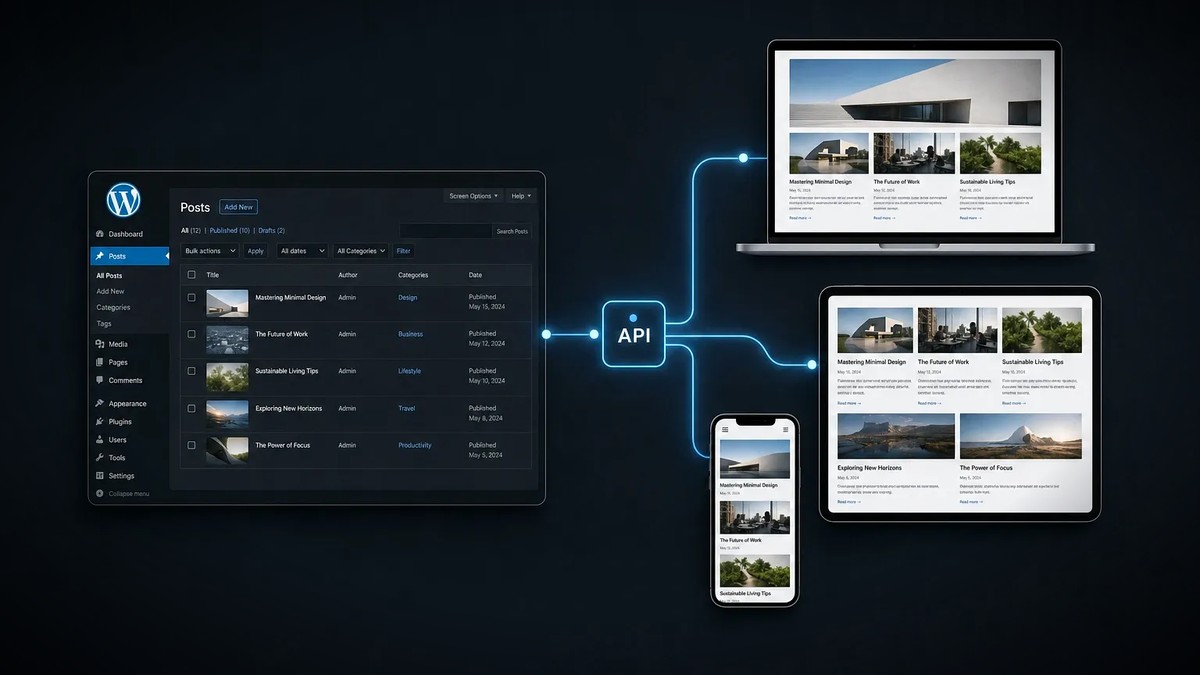
MCP stands for Model Context Protocol, the open standard that AI assistants use to call external tools. Elementor's version sits on the WordPress Abilities API, the framework added to core in WordPress 6.9 that lets a plugin describe what it can do, with a permission check on every action. A beta opened on 15 September 2026, the stable release followed in Elementor 4.3.0 a week later, and the current version at the time of writing is 4.3.3.
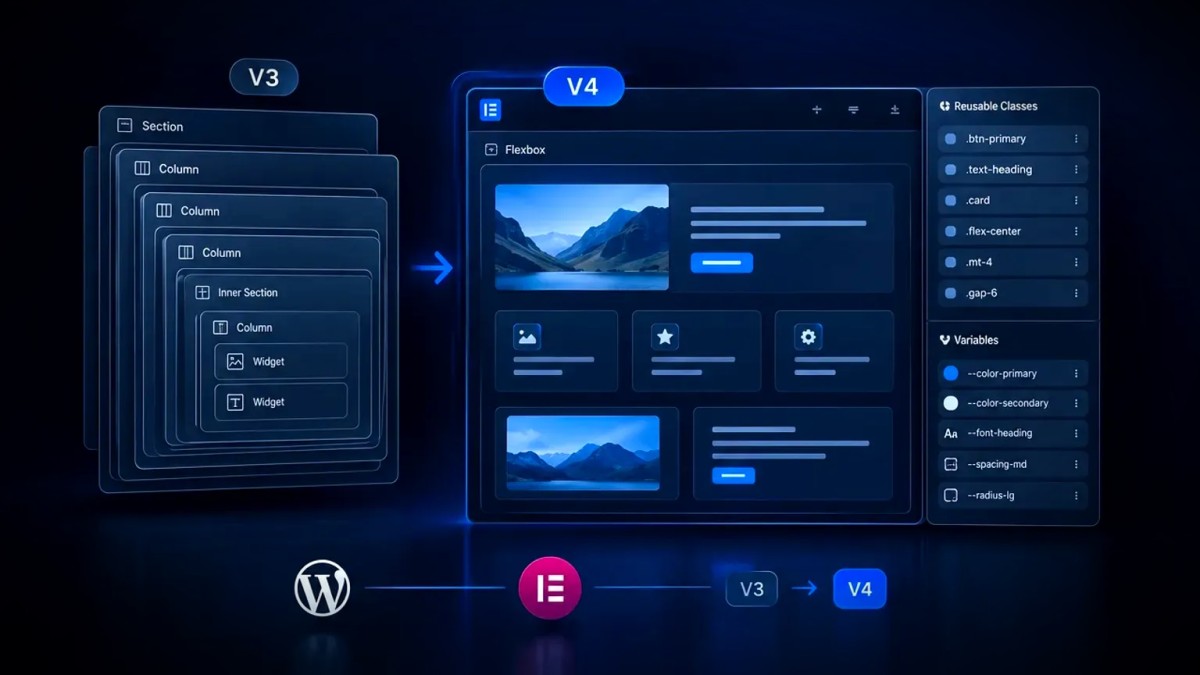
- Requirements: Elementor 4.3.0 or later on WordPress 6.8 or later, with the Atomic Editor (V4) switched on under Elementor, Editor, Settings. The MCP only works once the Atomic Editor is active, so a site still running V3 alone has to enable it first.
- Setup: go to Elementor, Elementor MCP in the WordPress admin, enable access, choose your AI tool, generate a setup prompt, then paste it into that tool. Elementor's connection guide covers each step.
- AI agents that connect: Claude Code, Claude Desktop, Codex and Cursor each have a dedicated setup flow, with an "Other" option for any MCP-compatible client.
- Who can connect: site administrators only, one site per connection. The agent inherits the permissions of the WordPress user who authorised it.
- Cost: included with Elementor, so there is nothing extra to buy. The free plugin covers basic sections, an existing Elementor Pro subscription unlocks the Pro tools, and the AI tool bills its own usage separately.
Community-built servers used the same name before this release. One widely used example is EMCP Tools, an open-source plugin whose several hundred tools also edit classic V3 widgets and reach files and the database, so the same care applies as with Novamira. Everything below refers to the official feature.
What can Elementor MCP do, and what are its limits?
Elementor MCP can build complete pages from Atomic Elements, restyle existing atomic layouts, manage Classes and Variables, create Theme Builder parts, place Components and bind dynamic content. It cannot run code, edit files or query the database, and at the time of writing it can only modify Atomic (V4) elements, not legacy V3 widgets.
On a site running Elementor 4.3.3 with Elementor Pro, the connection exposes 22 tools. In plain terms, an agent can:
- Build and edit layouts. Create a draft page, then compose it from Atomic Elements: Flexbox, Grid, Div Block, Heading, Paragraph, Button, Image, SVG, video, Tabs, Accordion and Background Video. Elementor Pro adds Forms and Loops.
- Work with the design system. Create, update or reorder global Classes; manage colour, font and size Variables; set site-wide default styles for HTML tags.
- Manage theme parts (Pro). Headers, footers, single and archive templates, 404 pages and popups, each with display conditions.
- Use Components (Pro). Place existing Components, fill in their exposed properties or create new ones.
- Bind dynamic content (Pro). Connect elements to post fields, custom fields and taxonomies.
The limits matter as much as the abilities:
- Atomic only, for now. The agent can read legacy V3 widgets for context but can only change Atomic Elements, plus a short list of theme widgets such as Post Content and Nav Menu. Anything else has to be edited by hand in the editor. Elementor's public roadmap lists V3 support for the MCP with an estimate of Q4 2026.
- Elementor only. No tool exists for running PHP, editing theme files, querying the database, installing plugins or uploading media.
- Wider WordPress work needs Angie. Custom widgets, WP Admin customisation, bulk content changes and access to other plugins' abilities (WooCommerce, Yoast SEO, ACF) require Angie, Elementor's free agentic AI plugin, installed alongside.
- Drafts by default, not by force. New pages start as drafts, edits to a live page are staged until published, and Elementor states that nothing is published on its own. The tool set does include a publish action, so an agent can publish when asked, within the connected user's permissions.
What is Novamira?
Novamira is an open-source WordPress MCP server, installed as a plugin, that gives an AI agent full programmatic access to a site. Its free core lets the agent execute PHP, read and write files, query the database and run WP-CLI commands with administrator rights. Elementor-specific abilities are not in the free core: they come with Novamira Pro.
Novamira comes from Dynamic.ooo, the company behind Dynamic Content for Elementor. The free plugin is licensed under AGPL-3.0 and works at the PHP level, so in theory anything in WordPress is within reach.
- Requirements: WordPress 6.9 or later (it relies on the Abilities API in core and bundles the official MCP Adapter), PHP 8.0 or later, plus HTTPS for remote connections.
- AI agents that connect: Claude, Codex, ChatGPT, Cursor, Gemini CLI, Antigravity, Grok, VS Code with Copilot and other MCP clients, plus a command-line tool for coding agents.
- Authentication: OAuth or a WordPress application password, for administrators only.
- Cost: the core plugin (PHP, files, database) is free on unlimited sites. Novamira Pro, which holds the Elementor abilities, starts at €49 a year for three sites at the time of writing, or €149 a year for agencies.
The free core suits development jobs: debugging a 500 error, finding out why a page is slow, building a custom post type or a WooCommerce pricing rule, running a search-replace across the database.
Is the free version of Novamira enough for Elementor?
No. The free core has no Elementor abilities. Without Pro, the agent has to work out Elementor's stored data from scratch through raw PHP on every request, which Novamira itself describes as burning tokens and time. For practical Elementor work, treat Novamira as a paid tool.
Novamira Pro is an add-on that sits on top of the free plugin. Its Elementor specialisation covers:
- building, editing and rebuilding pages
- the V4 atomic system as well as legacy V3 widgets, with conversion from V3 to V4
- global Classes, Variables and V3 global styles
- dynamic tags, interactions and custom atomic widgets
Pro also adds memory between sessions, with similar specialisations for other builders and plugins (53 at the time of writing).
Elementor MCP vs Novamira: what is the difference?
The difference between Elementor MCP and Novamira is scope. Elementor MCP exposes a fixed list of page-building tools, so an agent can only do what those tools allow. Novamira exposes PHP execution, so an agent can do anything an administrator with server access could. One is a set of defined actions; the other is open-ended access.
| Area | Elementor MCP | Novamira |
|---|---|---|
| Made by | Elementor, built into Elementor 4.3 | Dynamic.ooo: a free open-source core plus a paid Pro add-on |
| Needs | Elementor 4.3 with the Atomic Editor (V4) switched on | WordPress 6.9, PHP 8.0, HTTPS |
| AI agents that connect | Claude Code, Claude Desktop, Codex, Cursor, other MCP clients | Claude, Codex, ChatGPT, Cursor, Gemini CLI, Grok, other MCP clients |
| Scope | Elementor pages, theme parts, Classes, Variables, Components | The whole WordPress installation |
| How the agent acts | A fixed set of page-building tools | PHP execution, file edits, database queries, WP-CLI |
| Code, files and database | No access | Full access |
| Elementor abilities | Built in | Novamira Pro only; none in the free core |
| Legacy V3 widgets | Read only; editing planned for Q4 2026 | Edited and converted to V4 with Novamira Pro |
| Access control | Administrators; the agent follows that user's permissions | Administrators; no read-only mode |
| Safety net | Drafts and staged edits, reviewed in the editor | No automatic rollback; backups are essential |
| Vendor guidance | Review every draft before publishing | Development and staging sites only |
| Cost | Included with Elementor; Pro tools need Elementor Pro | Free core; Elementor work needs Pro, from €49 a year |
What are the risks of giving an AI agent access to WordPress?
The main risk is that an AI agent acts with the full permissions of the account behind it, which with Novamira means everything PHP can reach. That risk is real but manageable. Experienced developers already handle this level of access every day, and the same controls apply here: staging, backups, approval steps and review.
SSH, WP-CLI or a database client offer the same power, and the same habits keep that work safe. Novamira is candid about its guard rails. Its security documentation sets out what the plugin does not protect against:
- No read-only mode. AI abilities are either fully on or off, and every ability requires administrator rights.
- The sandbox is not a security boundary. New PHP files land in a sandbox folder with crash recovery, but direct PHP execution bypasses it entirely.
- Nothing rolls back. Database changes, settings and file edits are live the moment they run. The plugin makes no backups.
- Staging-only is advice, not enforcement. The vendor calls it a professional recommendation, not a limit the plugin enforces.
Four further points apply to any MCP connection, Elementor's included:
- The credential is real. Both tools can connect through a WordPress application password tied to an administrator account. Treat a setup prompt like a password, then revoke it under Users, Profile when the work ends.
- The wrong site. With staging and production both configured in one AI tool, pointing the agent at the wrong one takes a single careless prompt. Novamira's documentation gives this as the main reason to keep it off live sites.
- Prompt injection. The agent reads content from the site (comments, form entries, post text), any of which can contain instructions written to manipulate the model. The more the agent is able to do, the more that matters.
- Site-wide side effects. Even inside Elementor, a change to a global Class, a Variable or a header template touches every page that uses it, so review is never optional.
One more point where customer data is involved: whatever the agent reads is passed to the AI model, usually a third-party provider, so check your data-protection obligations first.
None of this is a reason to avoid either tool. Every point above has a routine answer: a staging copy, a tested backup, approval prompts, a credential revoked after use. In experienced hands these risks are ordinary to manage, which is why the setup is best led by someone who already runs WordPress sites at this level.
Which WordPress MCP should you choose, and for what?
Choose Elementor MCP for page building, redesign or design-system work on an Elementor site: it is already included, and suited to a live site with review in place. Choose Novamira for development work that needs code, files or the database, on a staging copy with backups, and budget for Novamira Pro if that work involves Elementor.
- Landing pages, new sections or campaign pages on an Elementor site: Elementor MCP. The output is native structure a marketing team can keep editing by hand.
- Rolling out a design system (Classes, Variables, Components, theme parts): Elementor MCP with Elementor Pro.
- A site still built mostly from V3 widgets: Elementor MCP can add new atomic sections beside the old ones, but cannot rework the V3 parts yet. That work stays in the editor, or goes to EMCP Tools or Novamira Pro on a staging copy. Novamira Pro can also convert V3 pages to V4.
- Debugging, custom functionality, data migrations or bulk fixes: Novamira on staging, where the free core is enough. A fixed tool list cannot do this work.
- Another page builder, or plain WordPress: Novamira, because Elementor MCP only speaks Elementor. Builder work needs Novamira Pro.
- No budget for another tool: Elementor MCP. It comes with Elementor, while Novamira's free core has no Elementor abilities.
- Plugin tasks such as SEO fields, products or forms: Elementor MCP with Angie is the middle route. It reaches other plugins through the abilities they register, rather than through open-ended PHP.
- A live production site: Elementor MCP, with a person reviewing before anything is published. Keep Novamira's AI abilities switched off there, which is the vendor's own instruction.
Whichever tool does the work, the method is the one behind any careful WordPress development project: make changes on staging, review them, then ship.
Elementor MCP and Novamira safety checklist
Run through this list before connecting any AI agent to a WordPress site.
- Full backup of files plus database taken, with a restore actually tested
- Staging copy in place, with Novamira's AI abilities enabled there only
- A named person responsible for reviewing every draft before it is published
- Tool approval ("ask before running") switched on in the AI tool
- Staging and production given clearly different names in the AI tool
- Setup prompts and application passwords handled like passwords, then revoked when the work ends
- Changes to global Classes, Variables or theme parts made deliberately, with the affected pages checked afterwards
- AI-written code reviewed like any other plugin code before it is deployed
- MCP access turned off on any site where it is not in use
An MCP does not change who is accountable for a website. It changes how quickly work happens, good or bad, which is why the access granted should match the job and nothing more.
Frequently asked questions
Which AI tools work with Elementor MCP?
Elementor provides setup flows for Claude Code, Claude Desktop, Codex and Cursor, plus an Other option for any client that supports the Model Context Protocol. Only site administrators can create a connection, each connection covers one site, and the connected tool inherits the permissions of the WordPress user who authorised it.
Is Elementor MCP free?
Yes. Elementor MCP is included with Elementor from version 4.3.0 at no extra cost, and it works once the Atomic Editor (V4) is switched on. Basic sections can be generated with the free plugin, while Pro features such as Theme Builder parts, popups, Components, Forms and Loops need an Elementor Pro subscription. The AI tool you connect charges for its own usage separately.
Is Novamira free?
The core Novamira plugin is free, open source and usable on unlimited sites. It covers PHP execution, file access and database queries. It has no Elementor abilities. Building or editing Elementor pages, including legacy V3 widgets, needs Novamira Pro, a paid add-on that starts at €49 a year for three sites at the time of writing.
Is Novamira safe to use on a live website?
Novamira's own documentation says AI abilities should only be activated on development and staging sites, never on production. The plugin has no read-only mode, every ability requires administrator rights, direct PHP execution bypasses its sandbox, and nothing rolls back automatically. The plugin itself can stay installed on a live site with AI abilities switched off, so code built on staging keeps running. Used on a staging copy with backups, it is a capable development tool.
Can Elementor MCP edit pages built with V3 widgets?
Not yet. At the time of writing (Elementor 4.3.3), an AI agent can read legacy V3 widgets for context but can only modify Atomic Elements, plus a few theme widgets such as Post Content. It can add new atomic sections beside existing V3 content. Elementor's public roadmap lists V3 support for the MCP with an estimate of Q4 2026. Until then, editing V3 content means the editor itself or a tool such as Novamira Pro on a staging copy.
Can you use Elementor MCP and Novamira together?
Yes. They are separate connections, so one AI tool can hold both: Elementor MCP for page building, Novamira for development work on a staging copy. Both build on the WordPress Abilities API, which the WordPress Developer Blog explains in its introduction to the MCP Adapter. Avoid running both on the same page at once, because both edit the same Elementor data. For help planning a safe setup, get in touch.